|
Power Source |
AC Supply |
|
Maximum Print Resolution (dpi) |
6000 x 1200 |
|
Multifunction Devices |
Copier/Fax/Printer/Scanner |
|
Optical Resolution (dpi) |
2400 |
|
Print Color Capability |
Color |
|
Scan Color |
Color |
|
Scanner Type |
Flatbed |
|
USB |
Yes |
|
Wireless Print Technology |
Google Cloud Print ~ Mopria ~ Brother iPrint&Scan ~ Near Field Communication (NFC) ~ Wi-Fi Direct ~ Apple AirPrint |
|
Standard Input Media Capacity |
151 sheets |
|
Copy Color |
Color |
|
Copier Type |
Flatbed |
|
Form Factor |
Desktop |
|
Print technology |
Inkjet |
|
Printing |
Colour printing |
|
Duplex printing |
Yes |
|
Maximum resolution |
6000 x 1200 DPI |
|
Duplex printing mode |
Auto |
|
Print speed (ISO/IEC 24734) mono |
12 ipm |
|
Print speed (ISO/IEC 24734) colour |
10 ipm |
|
Copying |
Colour copying |
|
Maximum copy resolution |
1200 x 1200 DPI |
|
Maximum number of copies |
99 copies |
|
Copier resize |
25 - 400% |
|
N-in-1 copy function |
Yes |
|
N-in-1 copy function (N=) |
2, 4 |
|
Scanning |
Colour scanning |
|
Optical scanning resolution |
1200 x 2400 DPI |
|
Scanner type |
Flatbed & ADF scanner |
|
Maximum scan resolution |
19200 x 19200 DPI |
|
Scan to |
Cloud, E-mail, Image, Memory card, OCR, USB |
|
Image formats supported |
BMP, JPG, PNG, TIFF |
|
Document formats supported |
PDF |
|
Input colour depth |
30 bit |
|
Output colour depth |
24 bit |
|
Scan drivers |
ICA, SANE, TWAIN, WIA |
|
Faxing |
Mono faxing |
|
Modem speed |
14.4 Kbit/s |
|
Fax memory |
200 pages |
|
Fax forwarding |
Yes |
|
Fax delayed sending |
Yes |
|
Number of print cartridges |
4 |
|
Printing colours |
Black, Cyan, Magenta, Yellow |
|
Country of origin |
Philippines |
|
Total number of input trays |
1 |
|
Total input capacity |
150 sheets |
|
Total output capacity |
50 sheets |
|
Multi-Purpose tray |
Yes |
|
Multi-Purpose tray input capacity |
20 sheets |
|
Paper input type |
Paper tray |
|
Auto document feeder (ADF) |
Yes |
|
Auto document feeder (ADF) input capacity |
20 sheets |
|
Maximum ISO A-series paper size |
A4 |
|
Paper tray media types |
Envelopes, Photo paper, Plain paper |
|
ISO A-series sizes (A0...A9) |
A4, A5, A6 |
|
Brand |
Brother |
|
Type |
Multifunctional Devices |
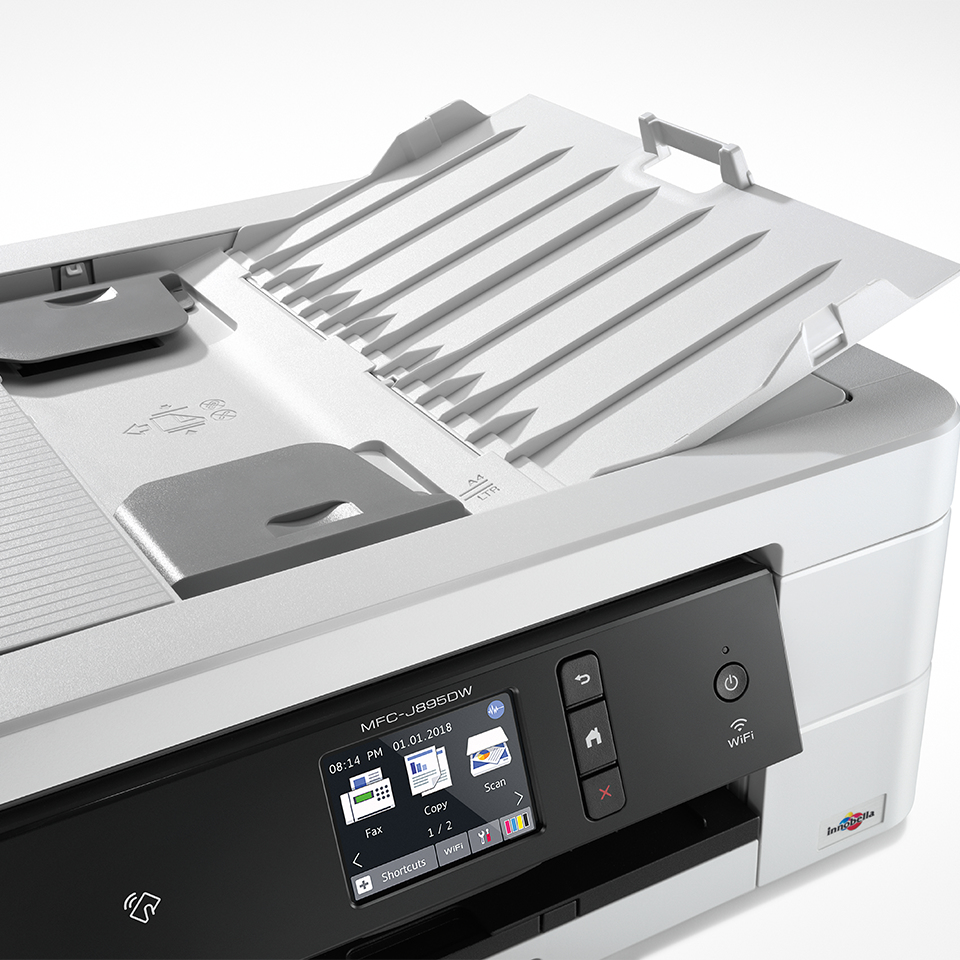
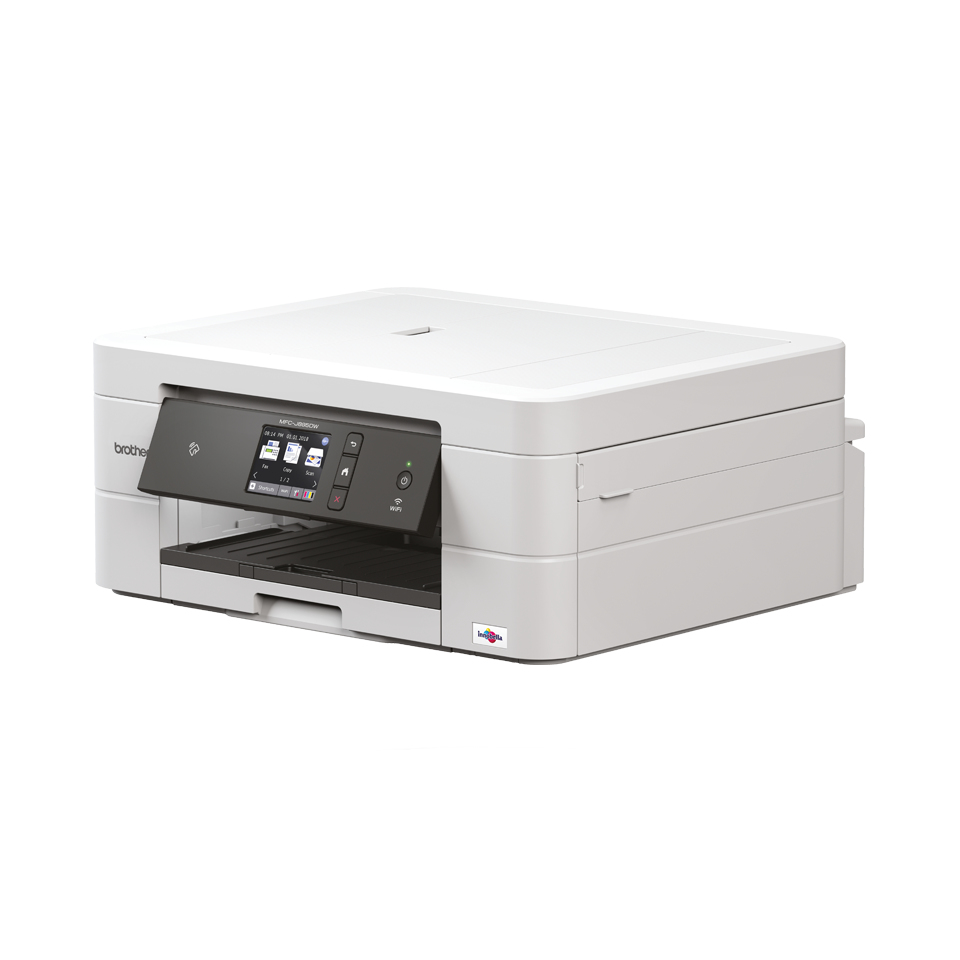
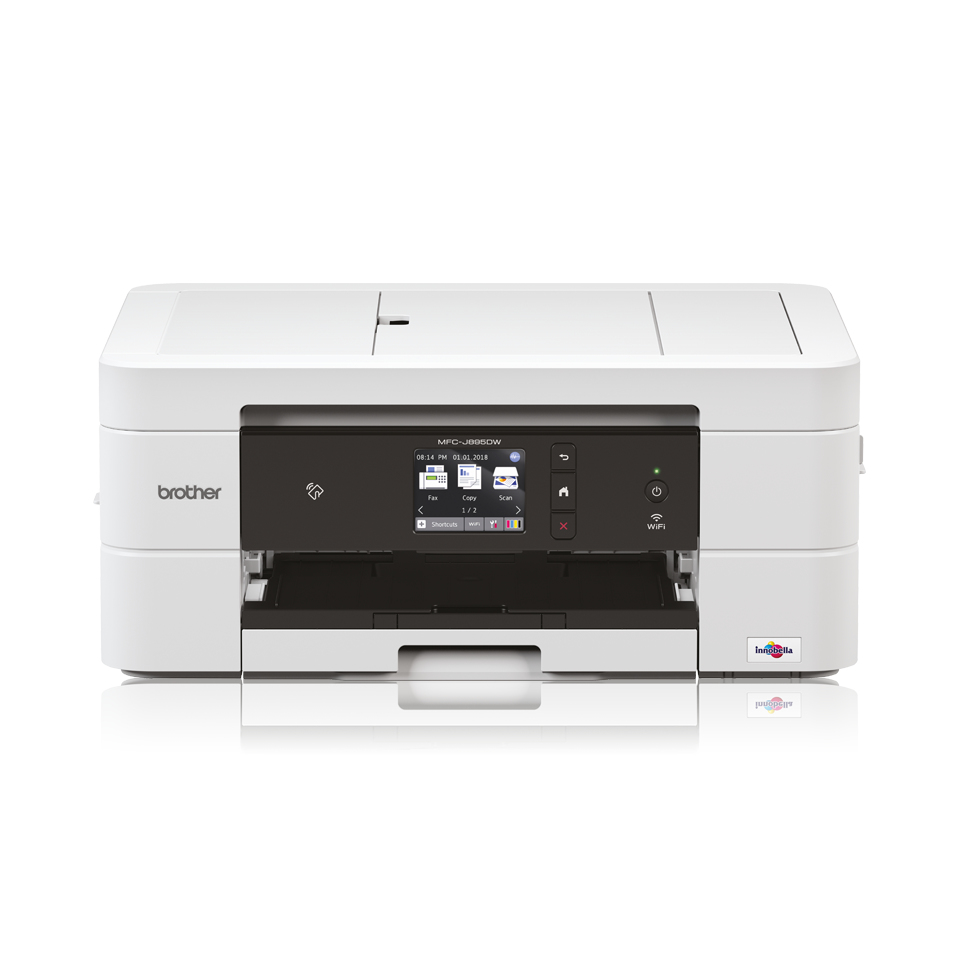
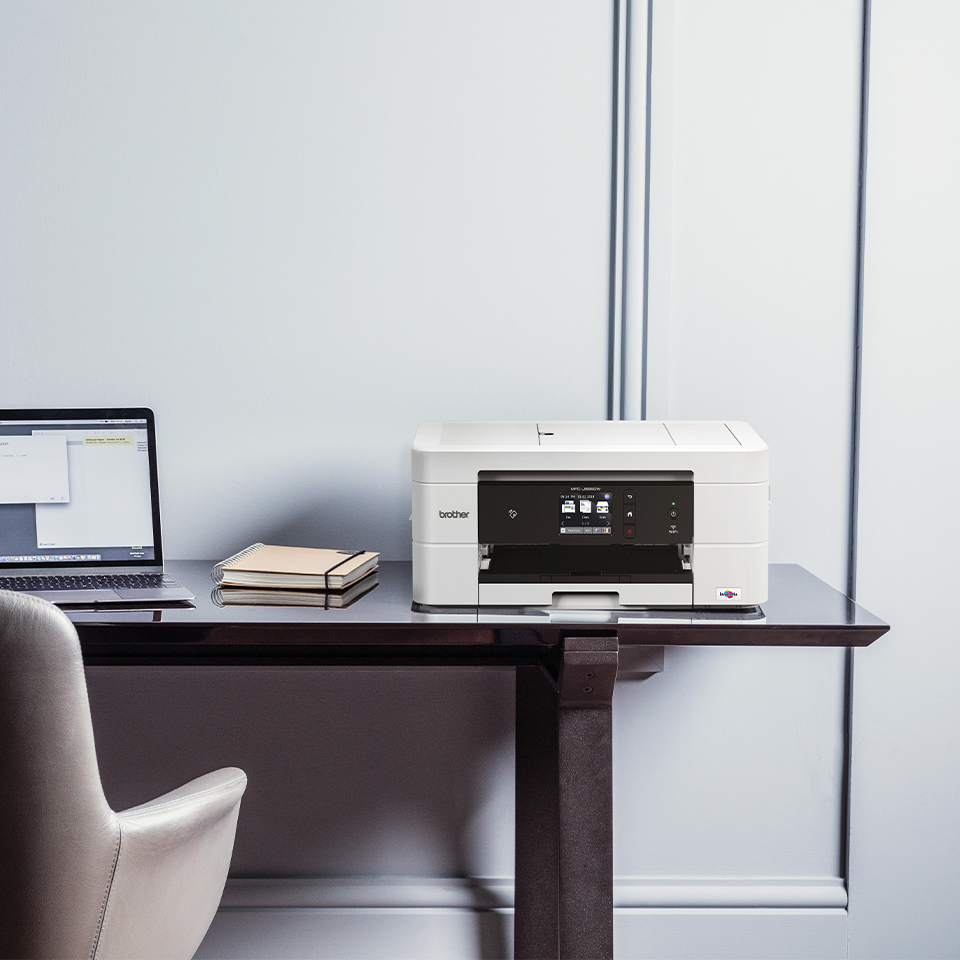
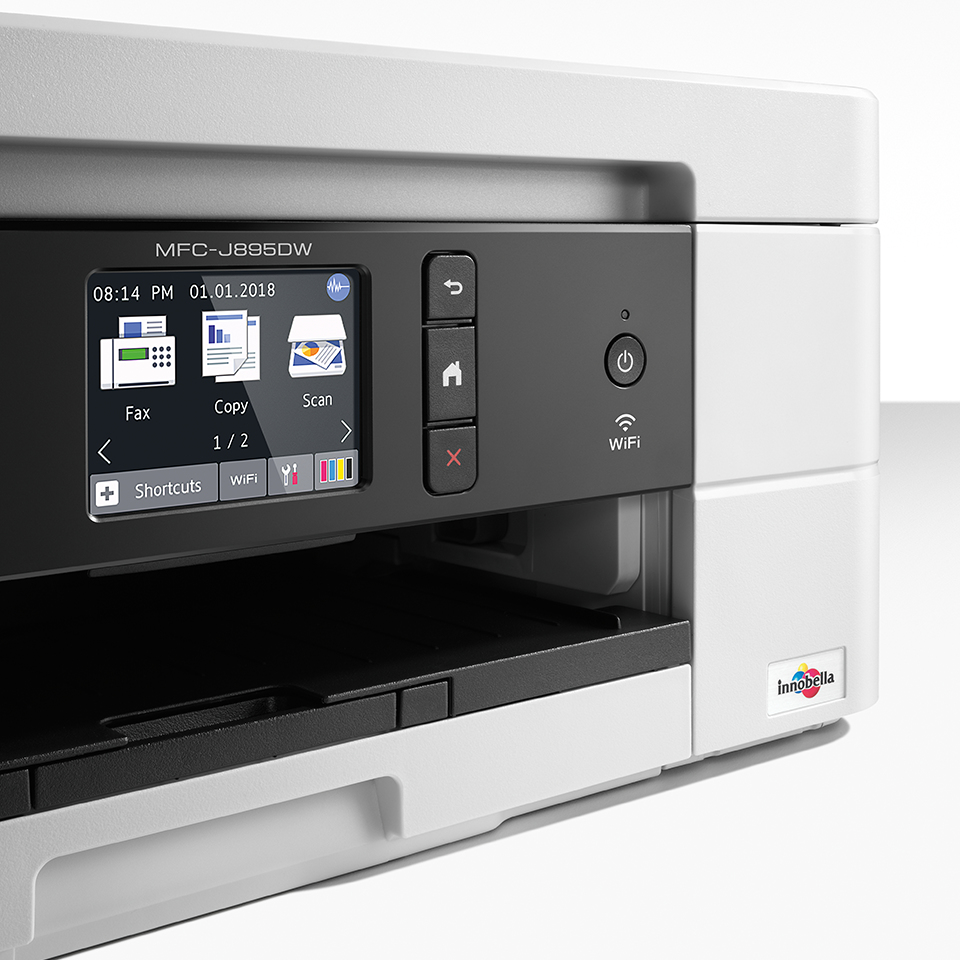
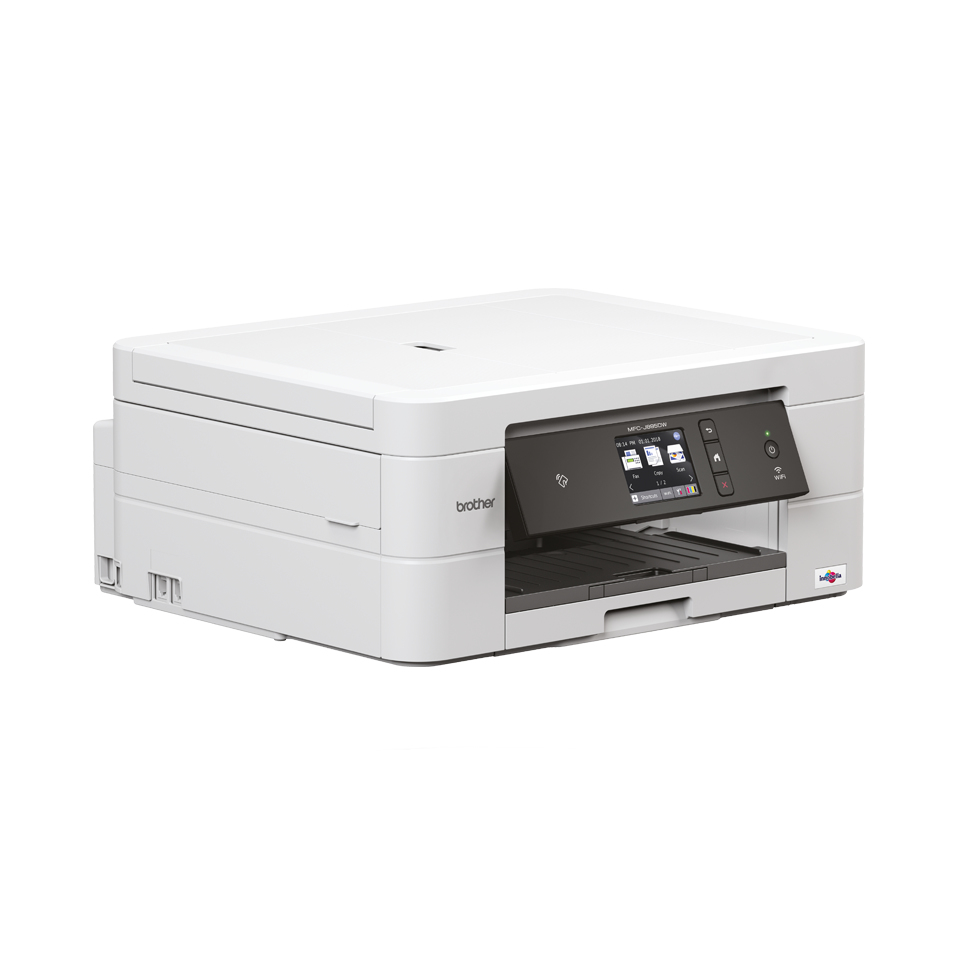
All-in-one Wireless Inkjet Printer + NFC Space saving A4 inkjet with touchscreen, 2-sided print and automatic document feeder (ADF). The cleverly compact, cost effective MFC-J895DW is an easy to use 4-in-1 A4 inkjet printer. Ideal for any home or small office, the user friendly MFC-J895DW combines print, scan, copy and fax functionality with a sleek stylish design that fits in those small spaces, whilst maintaining its high-quality printing and reliability. Its simple touchscreen and mobile connectivity makes it easier than ever to complete jobs. Everything you need: Print, copy, scan & fax Vivid inkjet colour printing plus accurate copying, high resolution scanning and the added flexibility of fax come together in one stylish package to make the MFC-J895DW a truly diverse machine for all your home or small office needs. So if you're looking for a machine that does it all, meet the Brother MFC-J895DW. A range of connectivity options for the entire house Cleverly compact, the MFC-J895DW brings affordable, high-quality printing to your home. With a range of connectivity options to suit, connecting from multiple devices is quick and easy and you don't even have to be in the same room either thanks to wireless printing. Easy to use with minimal intervention The MFC-J895DW comes with an intuitive 6.8cm colour touchscreen for easy user control and a 20 sheet Automatic Document Feeder that allows you to scan and copy multi-page documents - perfect for multi-tasking! Save time with direct photo printing from USB To print off pictures stored on USB flash memory drives, previously you may have to turn on a computer, connect it and then print from your computer. With the Brother MFC-J895DW, it's much easier. Simply put the USB directly into the printer and select the images you want to print from the touchscreen.
We are sorry but no alternatives are currently available.